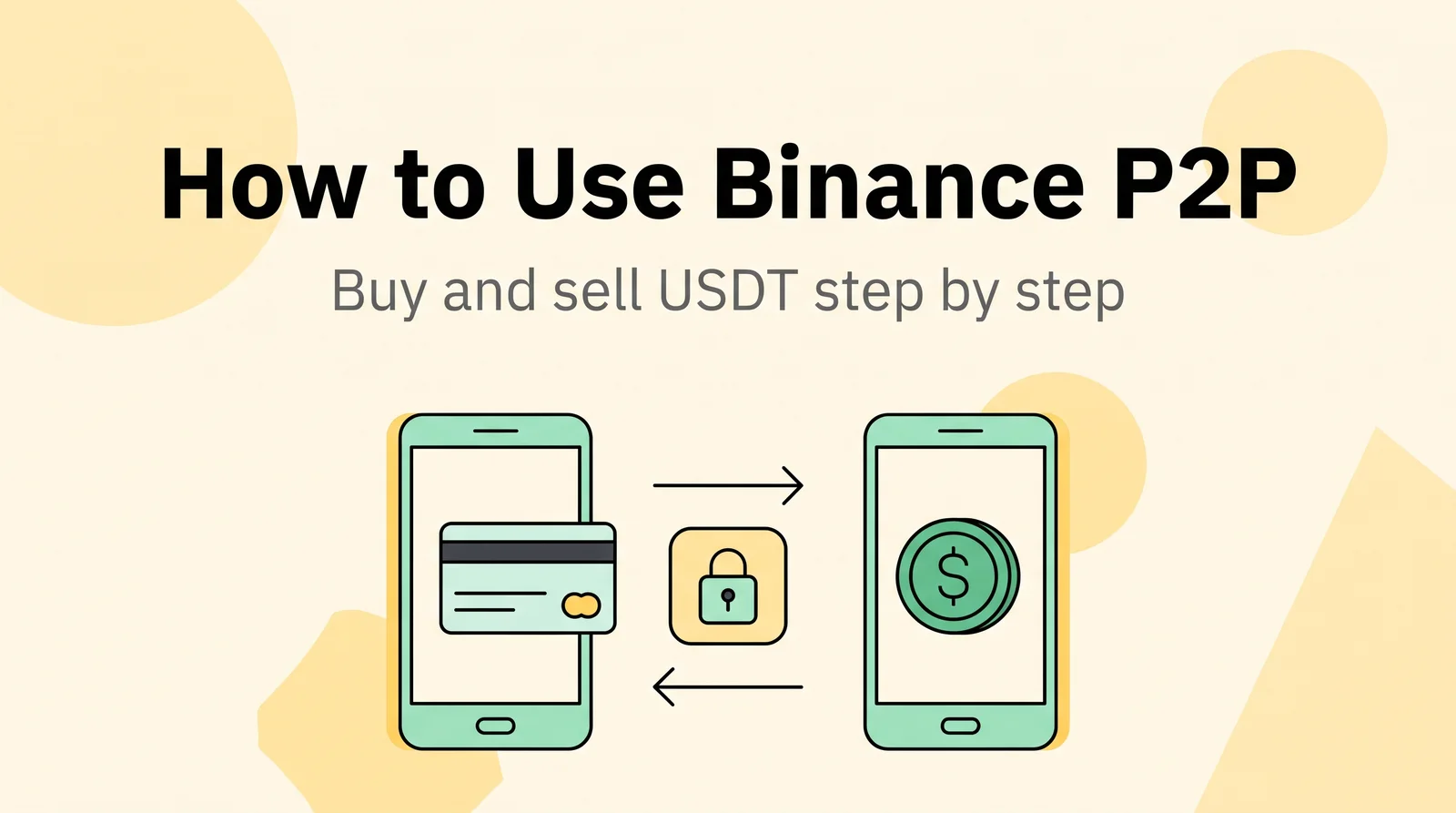
Short answer: Here is how to use Binance P2P in one line: you trade USDT directly with another user, and Binance holds the seller’s USDT in escrow until the seller confirms the payment. To buy, you pay the seller from your own account and tap Transferred, Notify Seller. To sell, you release the USDT only after the money is really in your own account. In Nigeria, naira is no longer available on Binance P2P (see the country note).
Checked: October 2026
What Binance P2P is and how escrow works
P2P means peer-to-peer: you buy or sell crypto with another person, not with the exchange. The money moves between your bank or mobile wallet and theirs. Binance P2P only handles the crypto side. New to the coin itself? Read What Is USDT? first.
When an order is placed, Binance locks the seller’s USDT for that order. The buyer sees the seller’s payment details and pays. The USDT moves to the buyer only when the seller confirms the payment and releases it. So escrow protects the buyer from a seller who disappears, and it protects the seller as long as they do not release before checking the money.
How to use Binance P2P: before you start
- Finish identity verification (KYC). P2P trading needs a verified Binance account.
- Check the name on your payment account. Open your bank or wallet app and compare the account holder’s name with your verified Binance name. Binance requires them to match, and it does not allow payments to or from third-party accounts.
- Turn on 2FA. Sellers need 2FA or a passkey to release crypto.
- Know your Funding account. P2P uses the Funding account. If you want to sell USDT that is in Spot, move it with Assets → Transfer (Spot → Funding).
How to buy USDT on Binance P2P
Like the rest of this Binance P2P guide, these steps follow Binance’s own help pages for the app. Button names can change slightly between app versions.
Step 1. Open P2P Trading
On the app home screen, tap Add Funds, then P2P Trading. At the top you can switch between Express (automatic matching) and P2P (you choose the seller). For a first trade, use P2P so you can check who you are dealing with.
Step 2. Choose a seller
Select USDT and your local currency. Filter by the amount you want to buy and by a payment method you can pay from in your own name. Then check the seller (see “How to choose a good counterparty” below) and tap Buy.
Step 3. Enter the amount and read the terms
Enter how much USDT you want. Read the seller’s terms: some sellers only accept certain banks or set a time to pay. Check the price against the market with our USDT price page. If the price looks far off, do not place the order, since Binance may not be able to help if you agreed to an unusual price. Then tap Place Order.
Step 4. Pay the seller
On the order page, tap View Payment Details. Open your bank or wallet app and send the exact amount to the account shown in the order, from an account in your own name.
- Pay only to the account in the order. If the seller sends “new” details in chat, do not use them.
- Do not write words like “Binance” or “P2P” in the payment note, even if the seller asks you to.
- Pay within the time shown in the order. If you do not, the order can be cancelled automatically.
Step 5. Tap “Transferred, Notify Seller”
Only after the money has left your account, go back to the order and tap Transferred, Notify Seller. The status changes to Releasing. Tapping this button before you pay breaks Binance’s rules and can get your account suspended.
Step 6. Wait for the release
The seller checks the payment and releases the USDT. It arrives in your Funding account. If the seller does not release after you paid, write to them in the order chat. If that does not help, tap Appeal. Do not cancel an order you have already paid for.
A note on cancelling: if you cancel three buy orders in one day, Binance suspends your buy function for the rest of that day.
How to sell USDT on Binance P2P
The detailed selling steps for Kenya are in our Binance to M-Pesa guide. The short version:
Step 1. Open the Sell tab
Make sure the USDT is in Funding. Tap Trade → P2P, open the Sell tab, select USDT and your currency.
Step 2. Choose a buyer and place the order
Check the buyer, their limits and payment methods, then tap Sell. Enter the amount, add or select a payment account in your own name, read the buyer’s terms and tap Sell USDT. Your USDT is now locked for this order.
Step 3. Check the payment in your own app
When the buyer marks the order as paid, open your own bank or wallet app. Check three things:
- the money has really arrived;
- the amount is exact;
- the sender’s name matches the buyer’s verified name in the order.
A screenshot, chat message or SMS is not proof. Only your own app counts.
Step 4. Release
If all three checks pass, tap Confirm release and verify with 2FA or a passkey. Binance’s rules say that after the seller confirms receipt of the full payment, they must release the crypto within 15 minutes. If a check fails, do not release: use Appeal inside the order.
How to choose a good counterparty
Before you tap Buy or Sell, open the other user’s profile and check:
- Completion rate: preferably 95% or higher.
- Number of completed orders: a high rate on very few orders tells you little.
- Verified merchant badge: a plus, if shown.
- Order limits: your amount must fit between the minimum and maximum.
- Currency of the price: make sure the price is in your local currency. Ads quoting USD in a local-currency market are a known trick.
Do not pick an ad only because it is at the top of the list.
Express mode matches you with an ad automatically. It is quicker, but you do not choose the other user, so for your first trades the P2P mode gives you more control.
Fees
Binance P2P fees depend on the market and the mode (P2P or Express), and Binance changes them from time to time. In some markets the person who answers an ad also pays a fee. We do not list fee rates here because they change: check whether a fee is shown on the order screen before you confirm.
Compare the final amount you pay or receive, not only the price in the ad.
Scams to watch out for
- Fake payment SMS or screenshots. Open your own bank or wallet app and confirm the money there before you tap Confirm release.
- Payment from a different name (third-party or “triangle” fraud). Someone else’s money, often stolen, is sent to you. If the name does not match, do not release. Under Binance’s appeal rules, the crypto is not released and the seller refunds the money.
- Payment reversals. After you release, the buyer tries to reverse the bank or wallet payment. Keep the order record and the payment reference for every trade.
- Pressure and outside chats. “Release fast, I’m in a hurry”, “I’ll pay the rest later”, “let’s talk on WhatsApp”. Keep the deal in the order chat and never release early.
- Fake support. Real support will never ask for your password, 2FA codes or seed phrase, or tell you to release an order. Contact support only through the app.
If something goes wrong: Appeal
Open the order and tap Appeal. Do not cancel the order yourself, and do not release crypto while a payment is missing or disputed. Add your bank or wallet statement as proof.
What Binance’s appeal rules say:
- If the buyer paid from an account in a different name, the crypto is not released and the seller refunds the payment.
- If the buyer paid less than the order amount, they are asked to pay the rest. If they do not, the seller refunds what arrived.
- If a seller releases crypto without confirming the payment, the seller carries the loss and Binance cannot guarantee recovery.
- If a buyer pays an account that is not in the order, Binance is not responsible and a refund is not guaranteed.
Country notes
Nigeria
Binance removed naira from P2P on 28 February 2024 and ended all naira services in March 2024. Nigeria’s SEC says Binance is not registered or regulated in Nigeria and calls its operations there illegal. The steps above are not a way to trade naira on Binance. Read our guide Is Binance Legal in Nigeria? for the full picture.
Kenya
For Kenyan shillings via M-Pesa, follow our M-Pesa guide linked in the selling section above. Check the sender’s name and the exact amount inside the M-Pesa app before you release USDT.
Risks: P2P trading carries counterparty risk, and crypto prices can fall sharply. Binance itself warns that you may lose some or all of what you put in. This guide is for information only, not financial or legal advice. Read our Disclaimer.
Frequently asked questions
Is Binance P2P safe?
Escrow protects the USDT during an order, but it does not check payments for you. Binance P2P is only as safe as your own checks: pay and receive in your own name, keep the deal in the app, confirm every payment in your own bank or wallet app, and use Appeal if something is wrong.
How long does a P2P order take?
It depends on the payment method and the other user. The buyer must pay within the time shown in the order, or it can be cancelled automatically. After the seller confirms the full payment, Binance’s rules give them 15 minutes to release the crypto.
Are there fees on Binance P2P?
Sometimes. Fees depend on the market and the mode, and Binance changes them. Check whether a fee is shown on the order screen before you confirm.
Can I use someone else’s bank account?
No. Binance requires the payment account to be in the same name as your verified Binance account, and it does not allow third-party payments. Buyers who pay from an account in another name can have P2P suspended.
Is Binance P2P available in Nigeria?
Not with naira. Binance removed naira from P2P on 28 February 2024 and ended all naira services in March 2024. See the Nigeria note above for what changed.